Help for families
Your child's speech pathologist or occupational therapist sends home practice through Carryover Kids. Here's how it works, with pictures from a phone.
Opening your homework
Scan the code your therapist shows you with your phone's camera, or tap the link they text or email. There's no app to install and no account. Your phone remembers homework it has opened, so you can get back to it from the parents' page, where you can also type the code from a printed sheet.
Each practice day
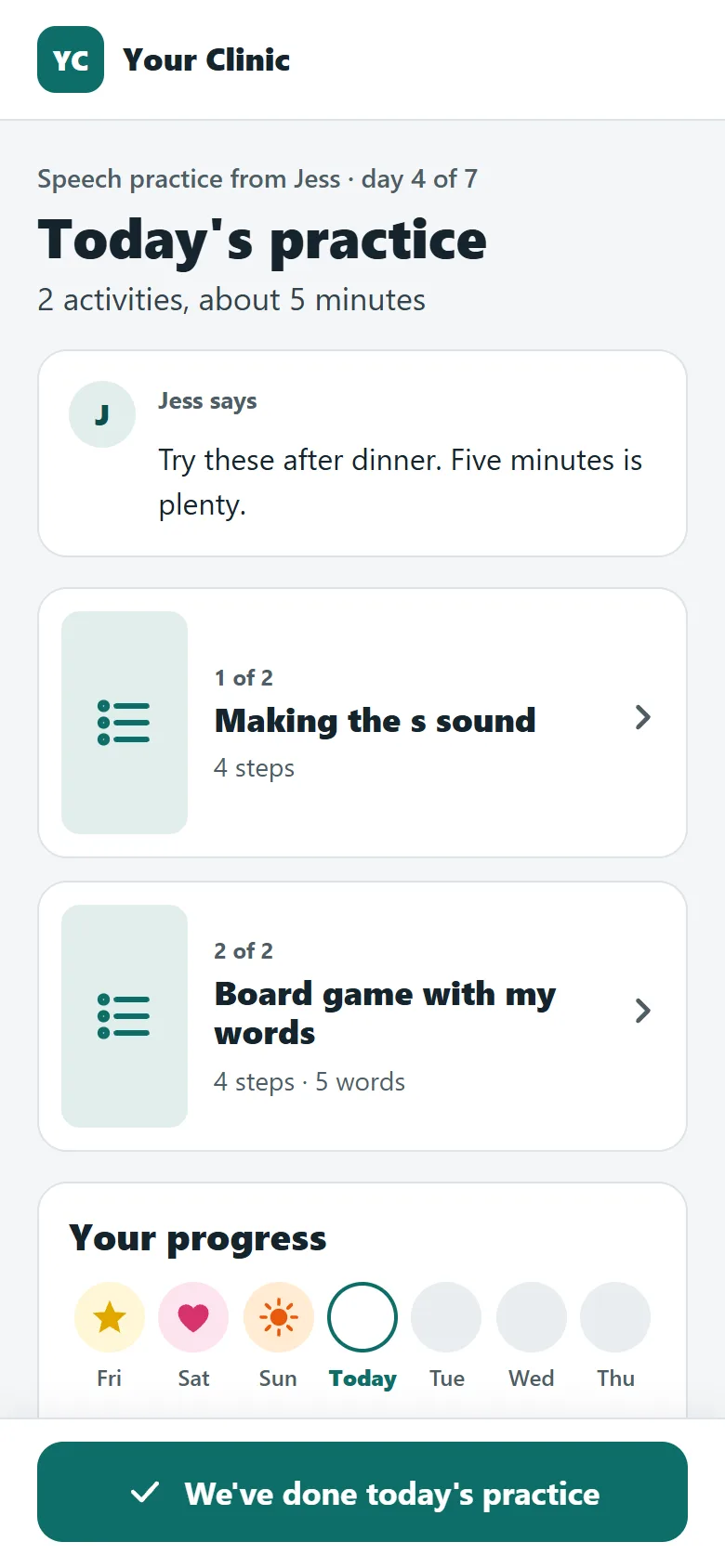
The homework page shows today's activities, your therapist's note and the days so far. Open each activity in turn.
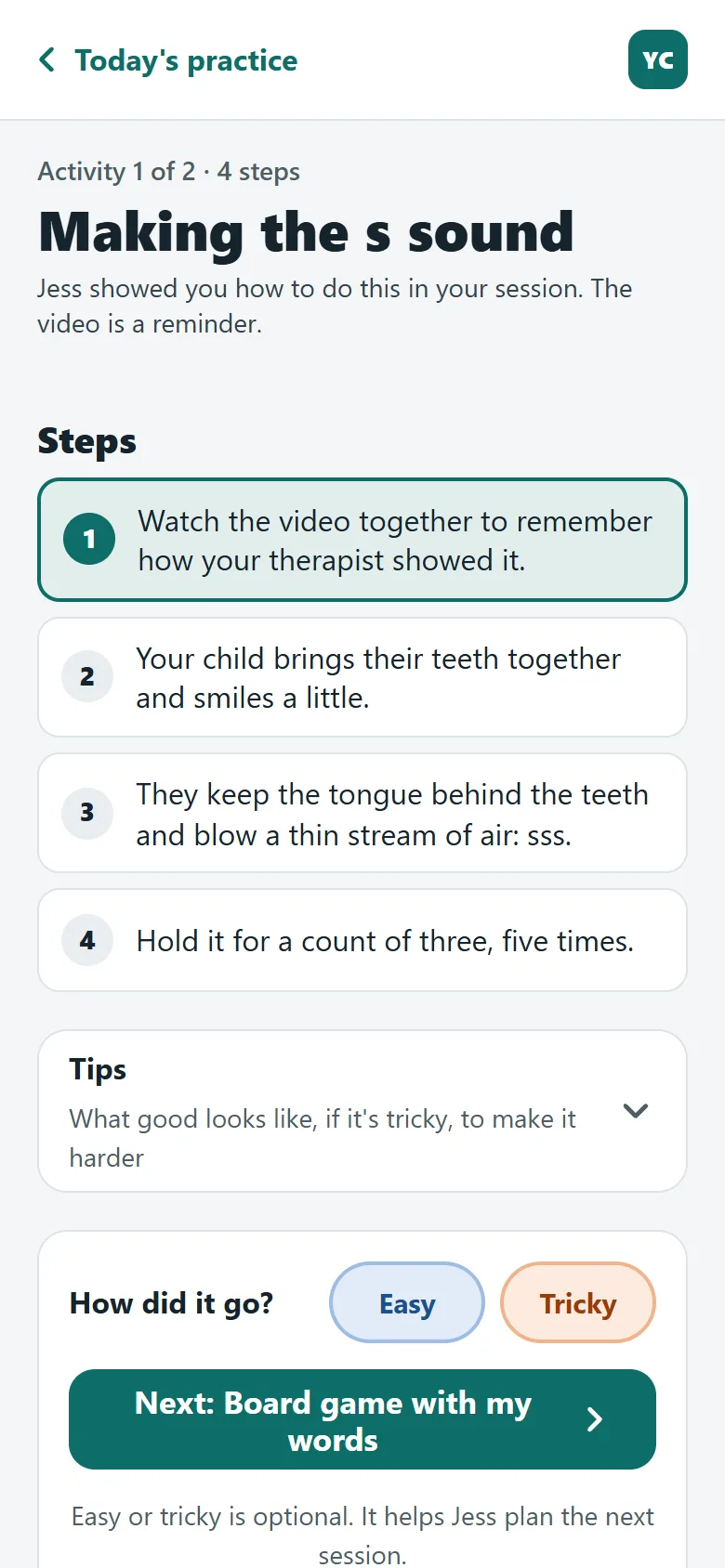
Each activity has your therapist's video (when they've filmed one) and short steps. Tap a step to jump to it in the video. Easy or Tricky is optional: it helps your therapist plan the next session.
Stickers and your child's friend
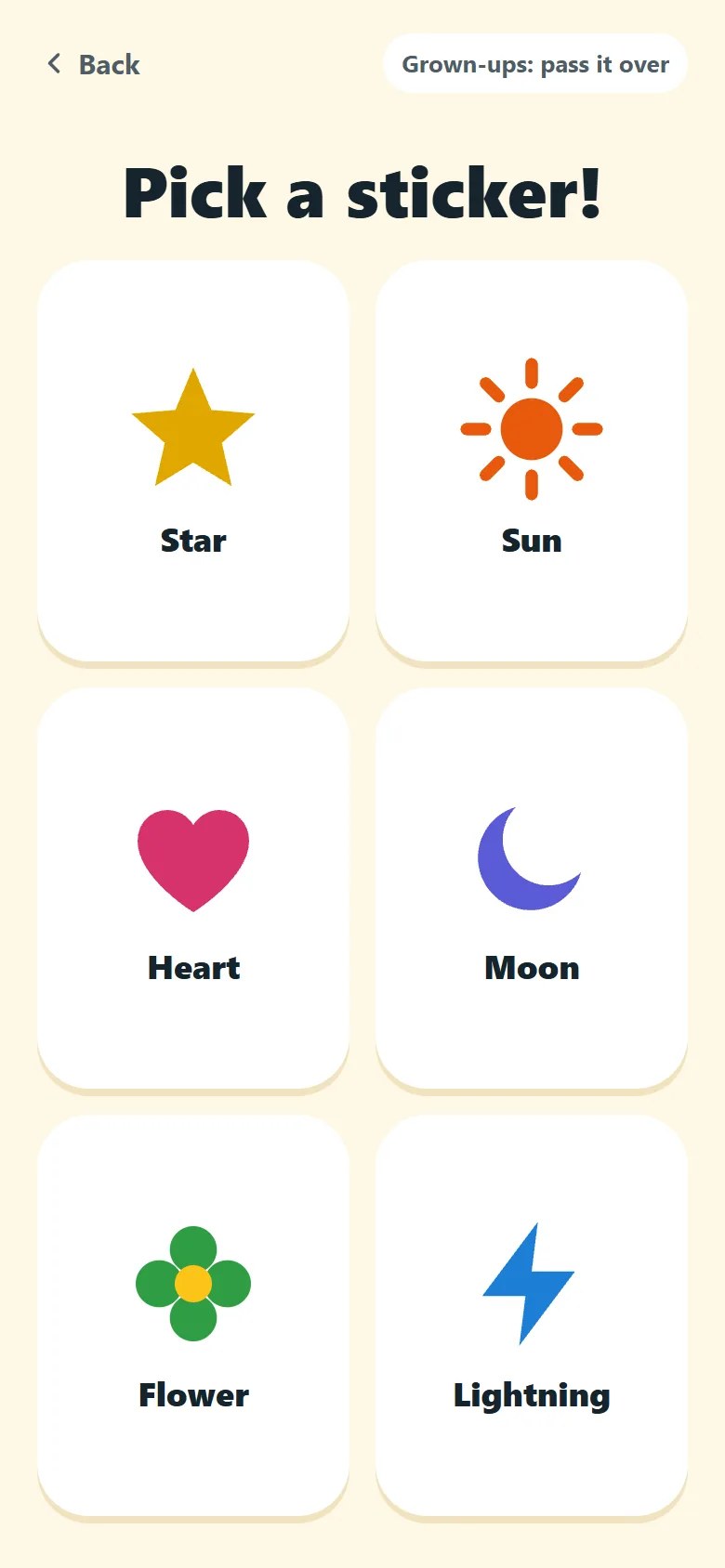
When you've finished, tap We've done today's practice and pass the phone over: your child picks a sticker. The first time, they also pick a friend to grow, like a dragon, a sea turtle or a plant. Each sticker helps it grow. Tap the friend to make it wiggle, and give it a name if you like; the name stays on your phone.
A missed day is fine: nothing is lost and nobody is told off. Practice counts days, not an unbroken streak. Ticks are saved with the homework, so practice marked on any phone counts once.
Reminders
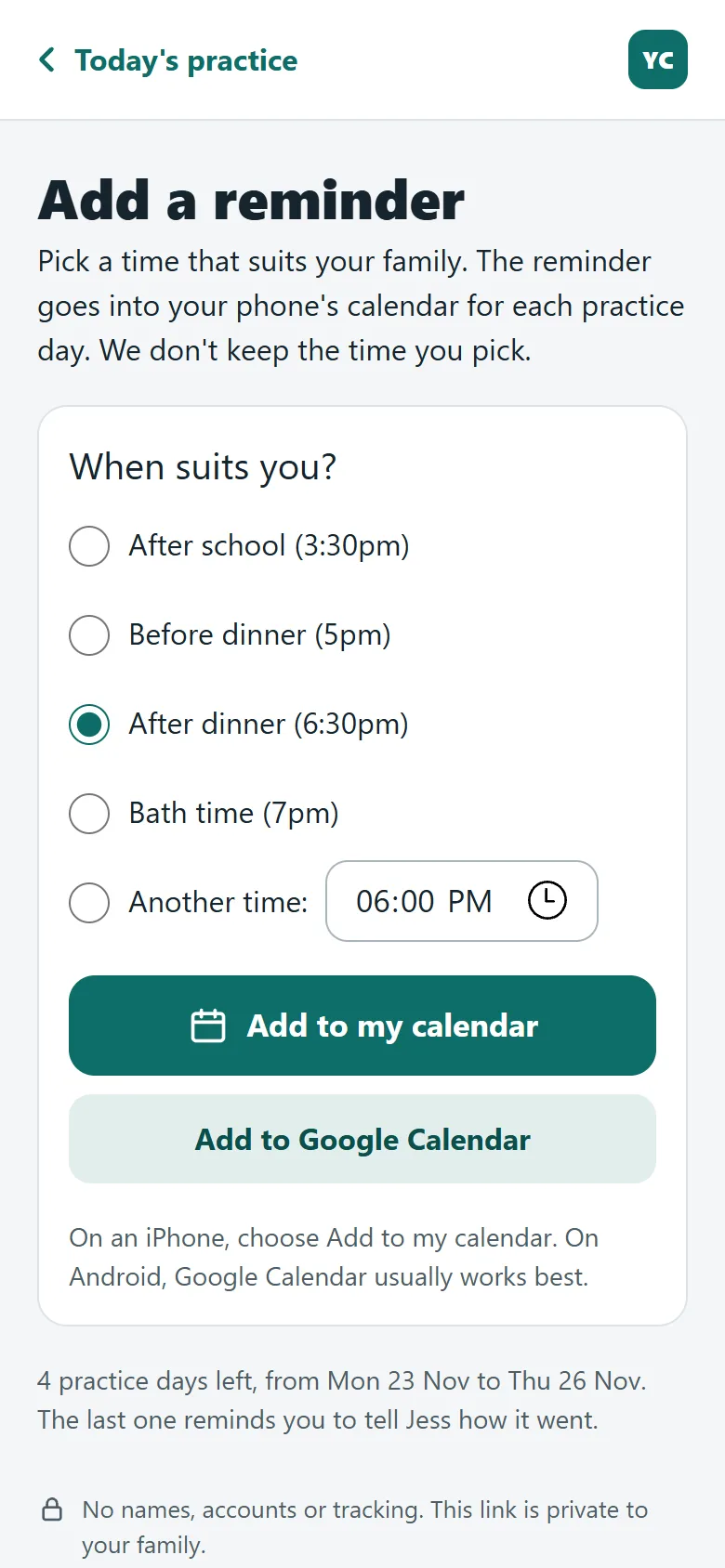
Choose Add a reminder on the homework page, pick a time that suits you, and it goes into your phone's calendar for each practice day. On an iPhone choose Add to my calendar; on Android, Google Calendar usually works best. We don't keep the time you pick.
Finishing
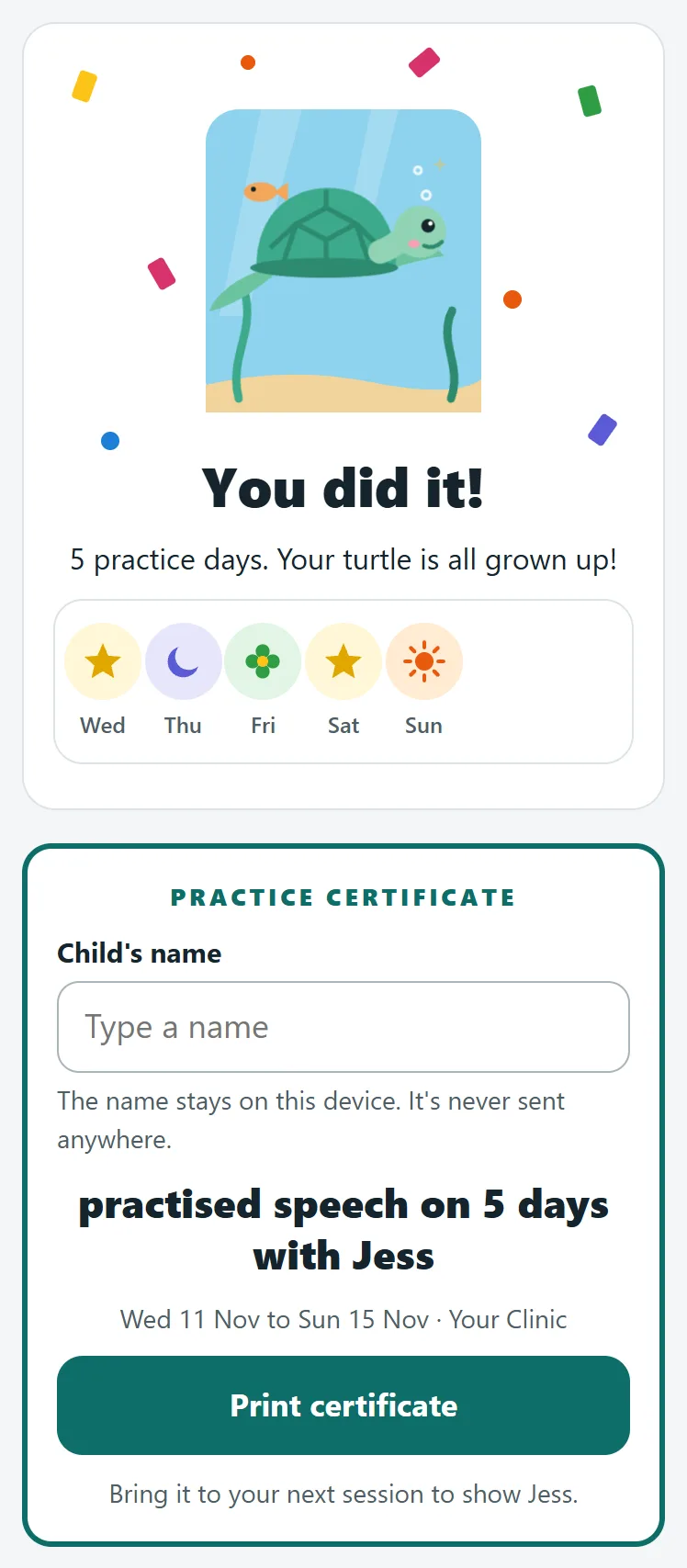
After the last practice day, the page celebrates with your child's fully grown friend and every sticker. Type your child's name on the certificate to print it; the name stays on your phone. Bring it to your next session. If your therapist recorded a well done video, it shows here when every day was practised.
If something isn't working
- A video won't play
- Tap the play button in the video: phones only play videos with sound when you tap them. Videos need a connection, and only load when you press play. If it still won't play, try again on wifi.
- It says "No connection, so this is the copy saved on this phone"
- Your phone showed the copy it saved last time, because the signal was weak. You can read the activities, but ticks and stickers need a connection. Try again when you have signal.
- We practised on another phone
- That's fine. Practice marked on any phone is saved with the homework, so everyone sees the same days.
- I can't find the link
- Homework this phone has opened is listed on the parents' page. You can also type the code from the printed sheet, or ask your clinic to send it again.
- My child is older and the stickers are a bit young
- Ask your therapist for the plain version, with a simple tick for each day.
- Questions about the activities or your child's progress
- Ask your therapist: they chose the activities for your child. We don't know who you are, so we can't answer those.
For anything else, tell us what's not working.