Clinic premium
Clinic premium adds client records and the tools that go with them. The homework families see works the same either way.
Clients
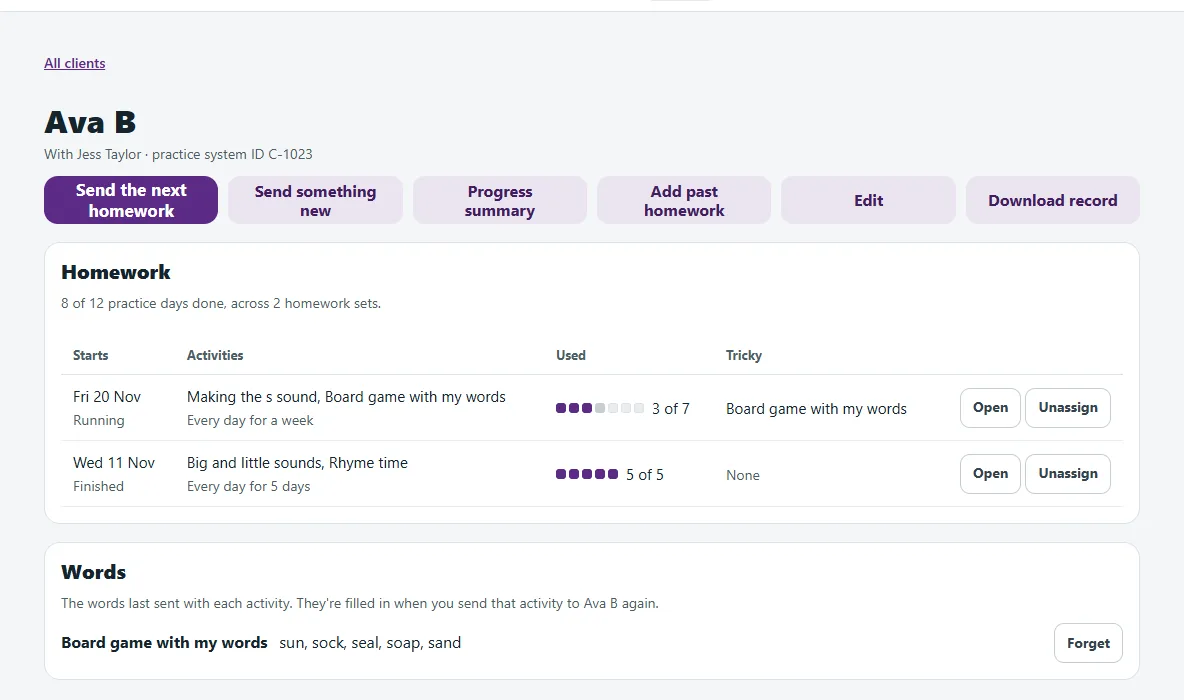
Under Clients, choose Add a client: a first name and last initial or a nickname, and optionally their number in your practice system. No dates of birth, diagnoses or notes.
- Who it's for on Send homework sends homework to a client.
- Add past homework on a client's page links homework you sent before, with its practice days and words.
- Send the next homework starts from their last one, with their words filled in.
- Progress summary prints or saves a summary for appointments and plan reviews; Download record gives a spreadsheet.
The extra sign-in step
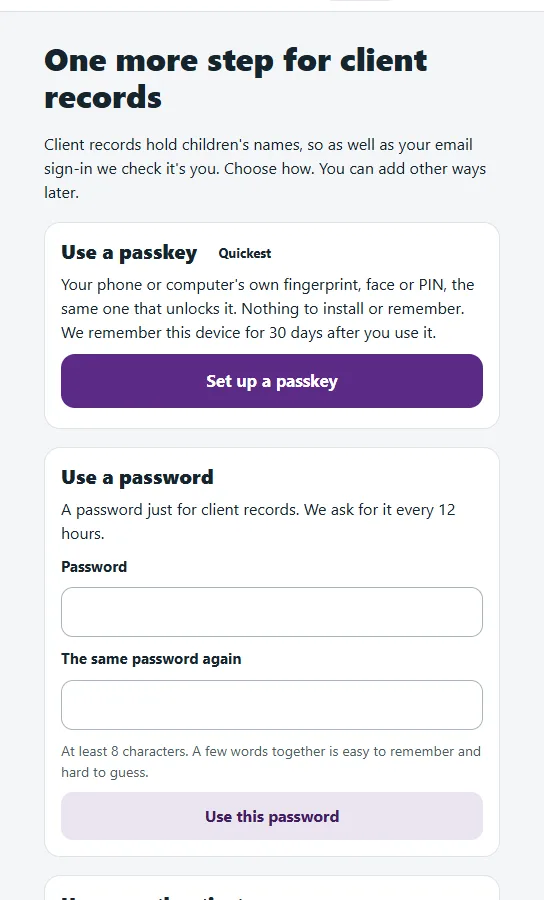
Client records hold children's names, so the first time you open them you choose a second way to show it's you:
- A passkey: your phone or computer's fingerprint, face or PIN. Quickest. That device is remembered for 30 days.
- A password just for client records, asked every 12 hours.
- An authenticator app, if you already use one. That device is remembered for 30 days.
Lost your phone or forgotten your password? A practice owner can reset your sign-in step on the Team page.
Caseload and reports
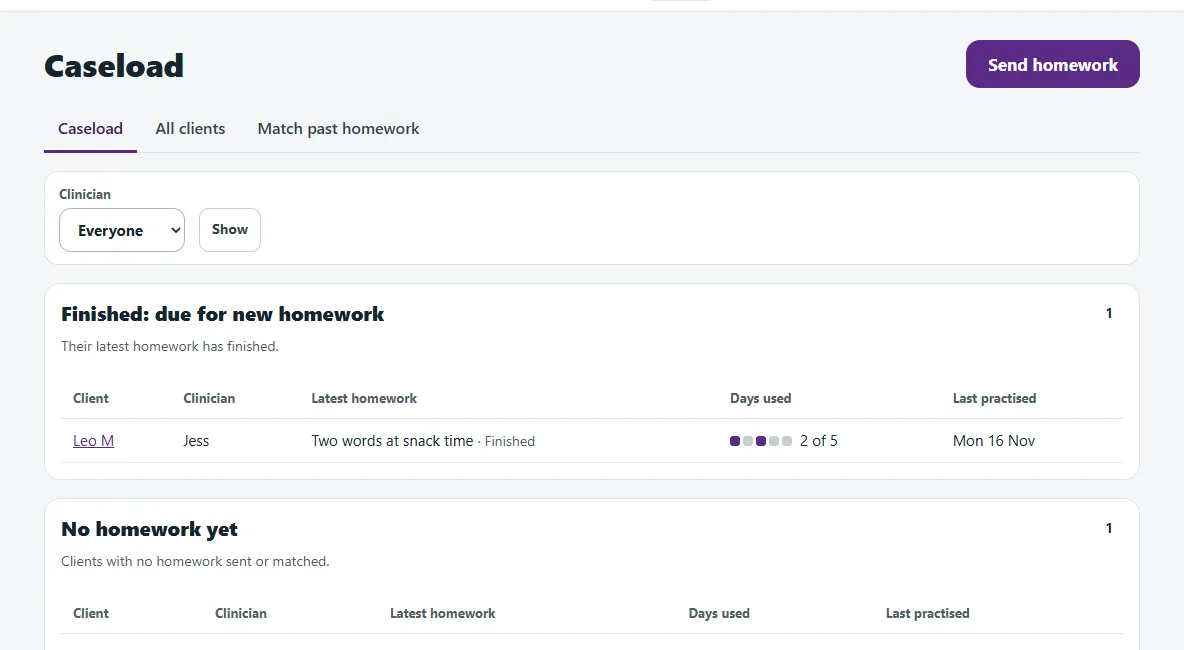
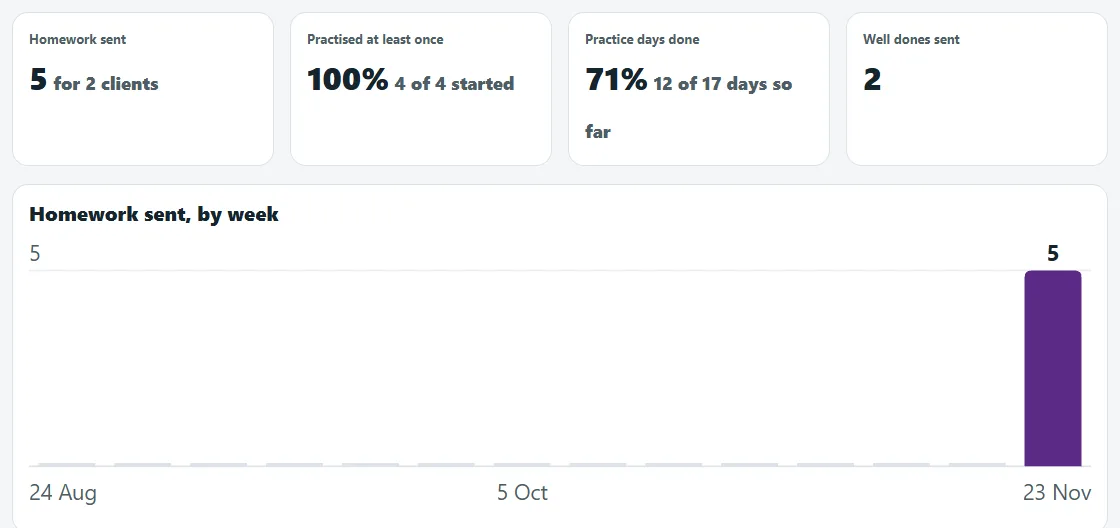
Caseload sorts clients into who isn't practising, who's due for new homework, and who's on track. Reports show homework sent, how much was practised and well dones sent, by week and by clinician.
Saved programs
Tick Save as a program when sending, and the activities, schedule, style and note can be sent again to anyone from the top of Send homework. Manage them under Manage there.
Well done videos
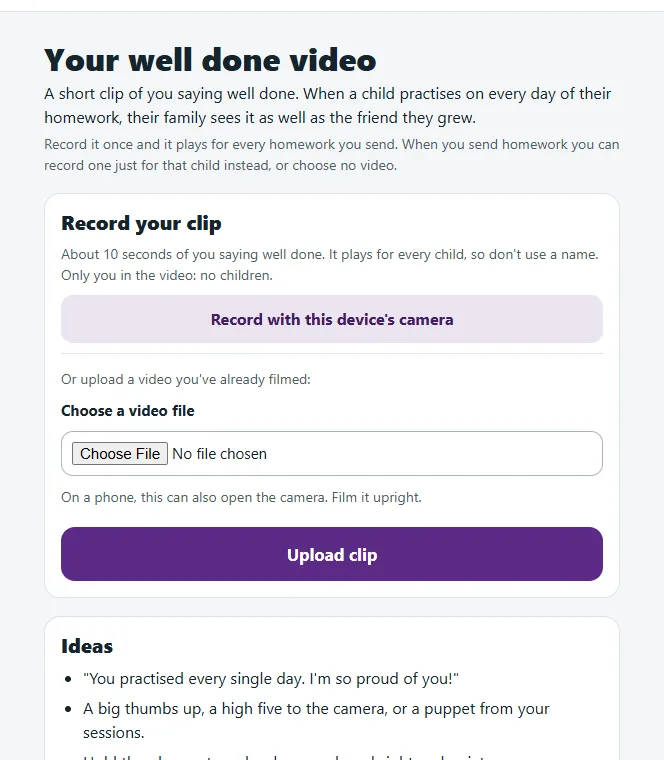
When a child practises on every day, the family sees a short clip from you as well as their friend. Record your usual clip once from the link on Send homework; it plays for every homework you send. Or choose Record one just for this child when sending, and the next screen opens with the recorder. About 10 seconds; only you in the video.
If premium ends
Client records turn read-only for 90 days: you can read, download and delete them, but not add or change anything. Owners are emailed a month and a week before they're deleted. Homework links keep working, and going back to premium in that time restores everything.
Next: Team and settings
Still stuck?
Tell us what's not working, or email support@carryoverkids.com.au. Your message comes straight to the people who build Carryover Kids.