Team and settings
These pages are for practice owners.
Your team
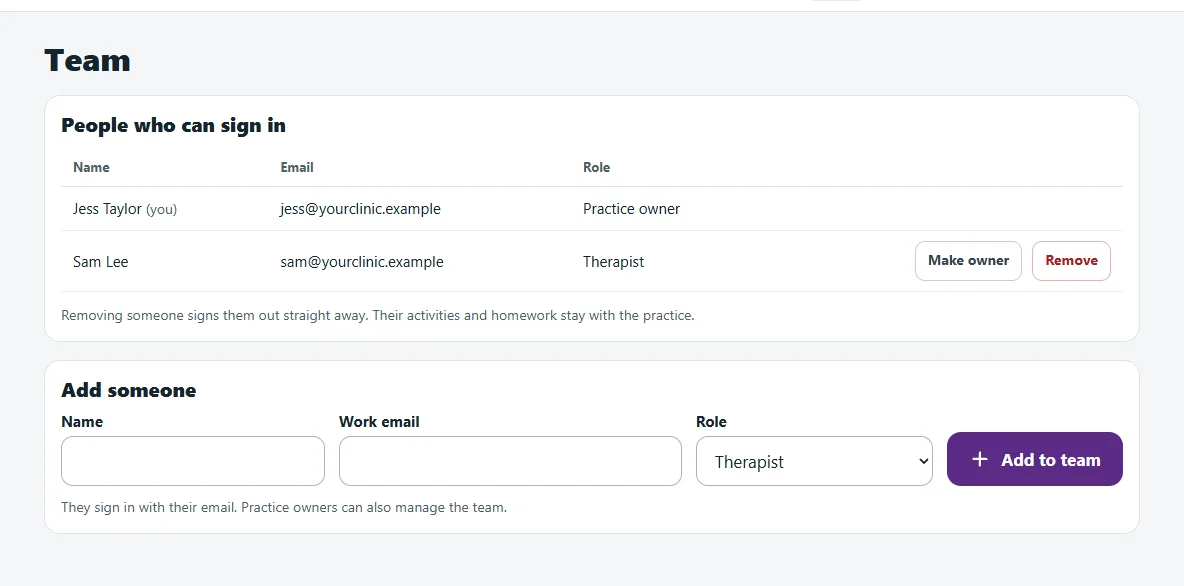
On Team, add someone with their name, work email and role. They get an email with a link that signs them straight in; it works once, for 7 days. After that they sign in with their email, with no password.
- Practice owners can also manage the team and settings.
- Remove signs someone out straight away. Their activities and homework stay with the practice.
- On premium, owners can reset a colleague's sign-in step here if they lose their phone or forget their password.
Settings
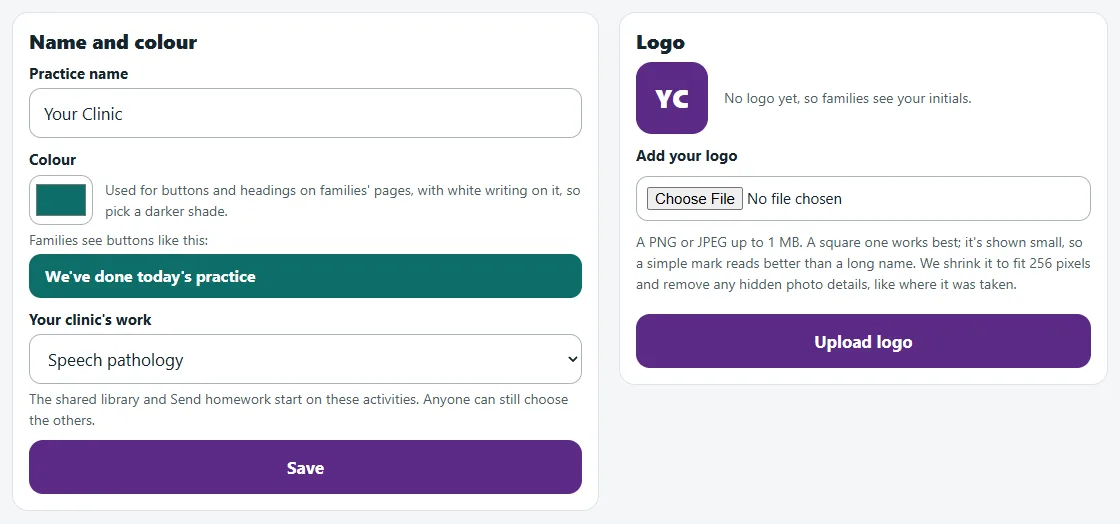
- Practice name and colour: families see them on their homework. Pick a darker colour, as buttons have white writing; the preview shows how it looks.
- Your clinic's work: the library and Send homework start on speech or OT activities. Choose Both to see everything.
- Logo: a PNG or JPEG up to 1 MB. A square, simple mark works best, as it's shown small.
Still stuck?
Tell us what's not working, or email support@carryoverkids.com.au. Your message comes straight to the people who build Carryover Kids.